
01
Interactive courses
Reuse existing slides and add interactions, role-plays, quizzes and training video.
iSpring Suite AI is the desktop authoring toolkit in the iSpring ecosystem. Build courses inside PowerPoint, add quizzes, role-play simulations and video, then use AI to accelerate writing, question creation, images, narration and localisation — before publishing to iSpring LMS or another LMS.
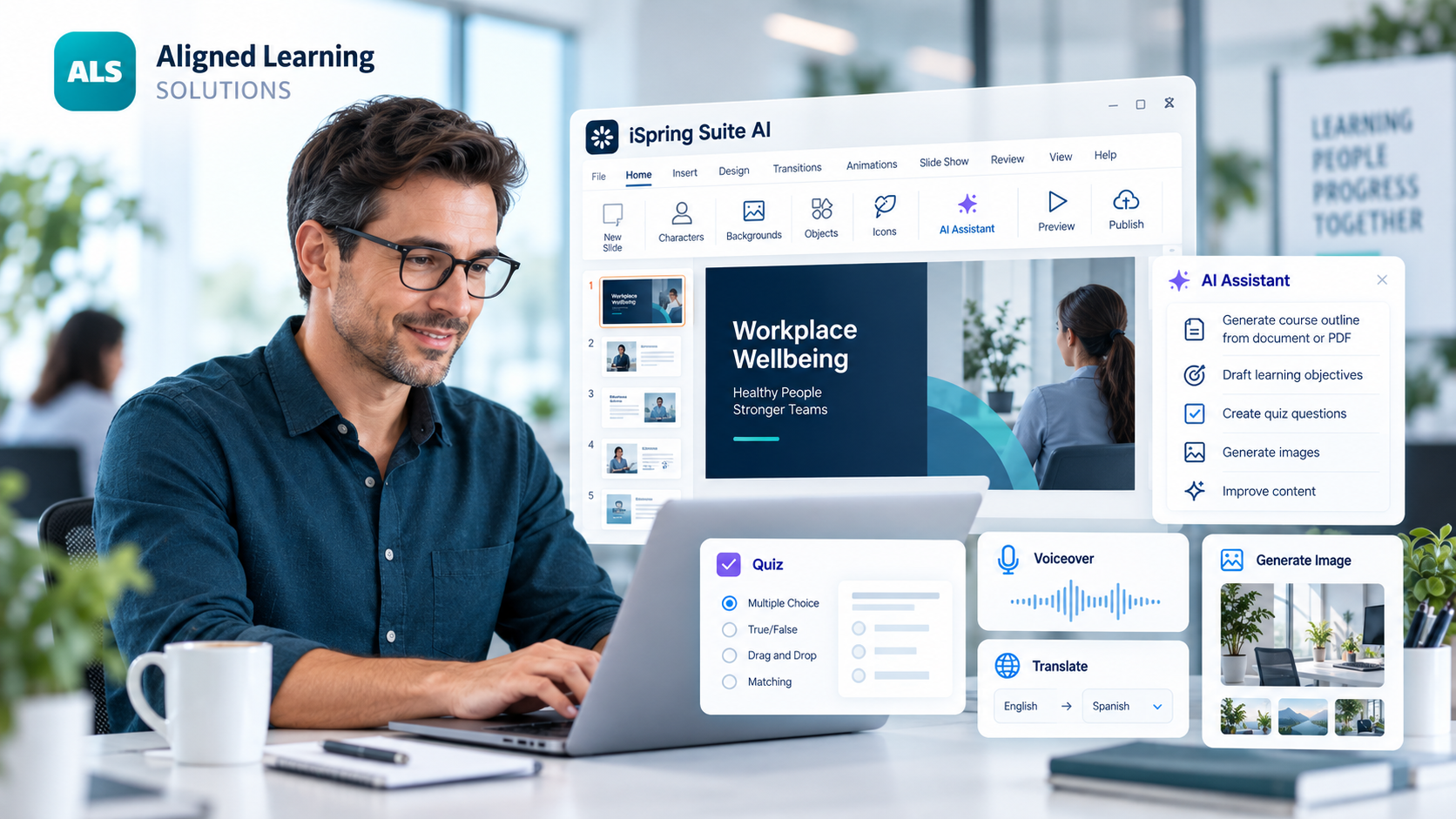
Click through the authoring workflow from PowerPoint source material to a published course.
Work inside the PowerPoint environment your team already knows, then turn existing slides and source content into trackable eLearning.
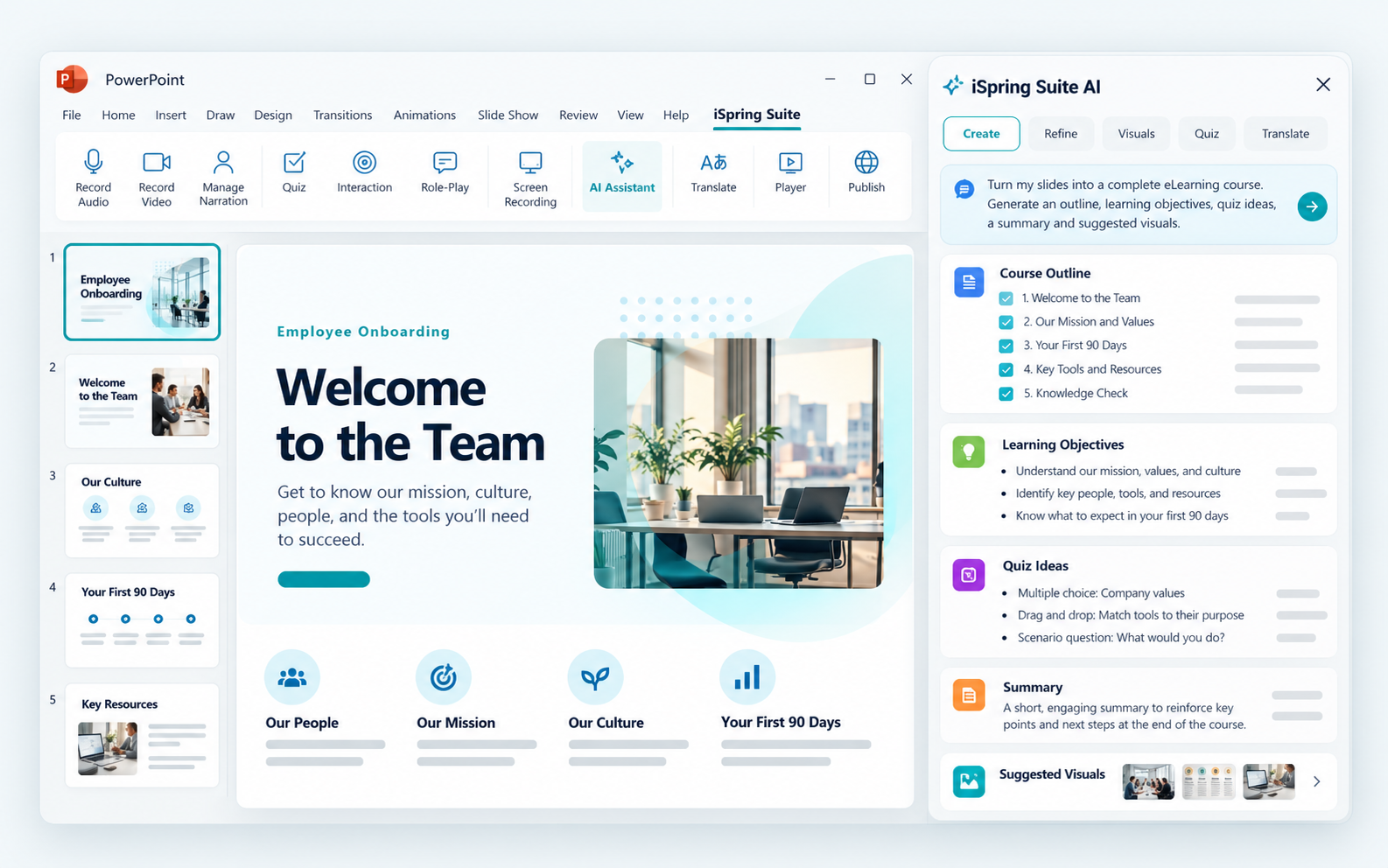
iSpring keeps the core slide-based workflow familiar while adding the tools required to turn presentations into trackable, interactive learning.
Reuse existing slides and add interactions, role-plays, quizzes and training video.
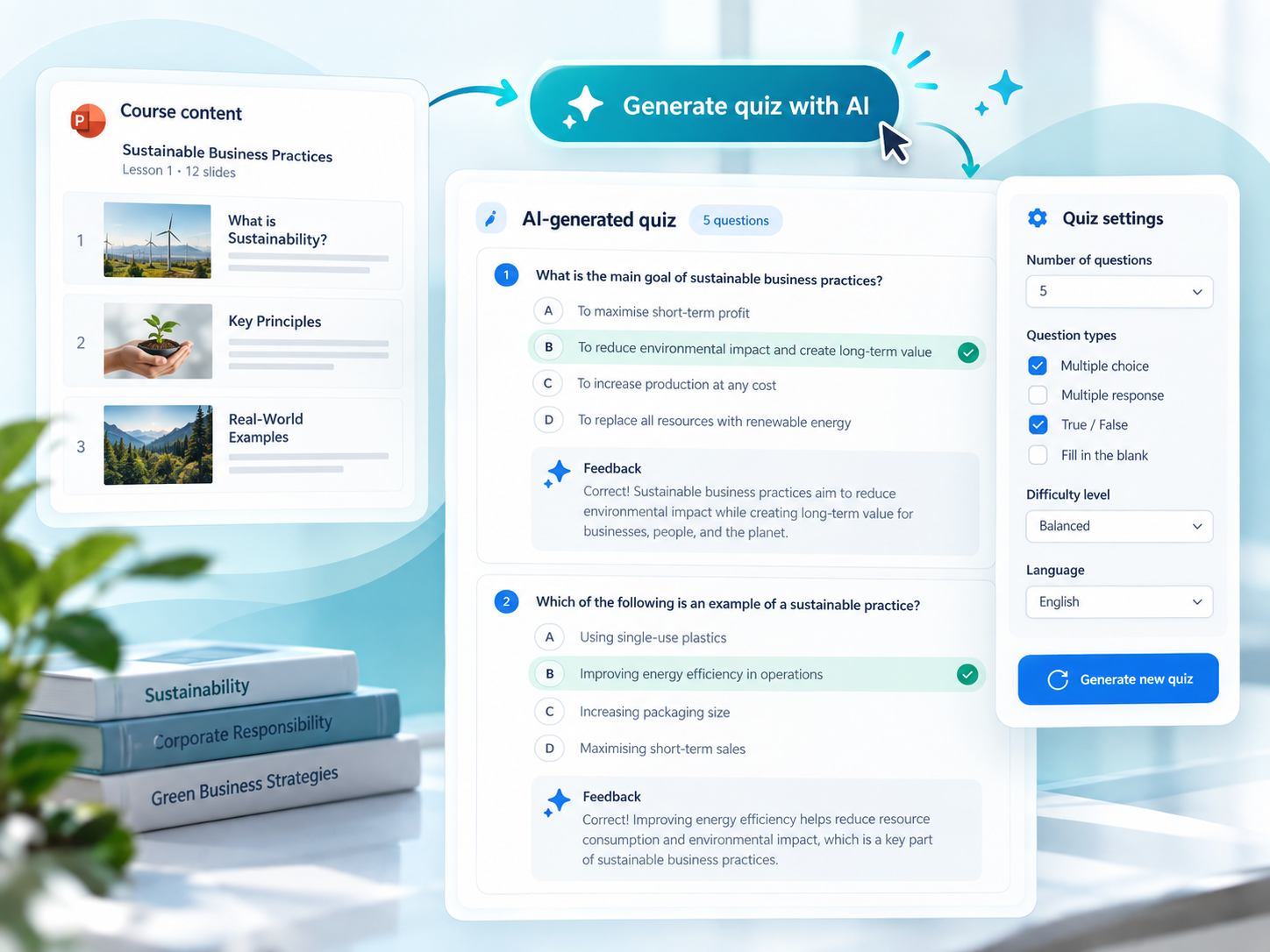
Build knowledge checks and richer quizzes, with AI helping generate questions from your content.

Create screencasts and tutorials, then add or update narration with AI text-to-speech.
Choose a capability to see how it fits into the authoring workflow.

Generate and improve course text, summaries and learning content from your existing material.
Suite AI can publish standards-compliant packages for external LMS environments, including SCORM 1.2, SCORM 2004, xAPI and cmi5. When you use the iSpring ecosystem, publishing into iSpring LMS becomes a much more connected workflow.

iSpring Cloud AI complements the PowerPoint authoring workflow with scrollable courses, browser authoring, AI-generated drafts and stakeholder review.
Explore iSpring Cloud AIALS can train your internal authors to use Suite AI effectively, create templates and standards, or develop complete learning modules when you need extra capacity.