Capture
Grab a screen, window, region, full webpage or scrolling content without stitching screenshots together.

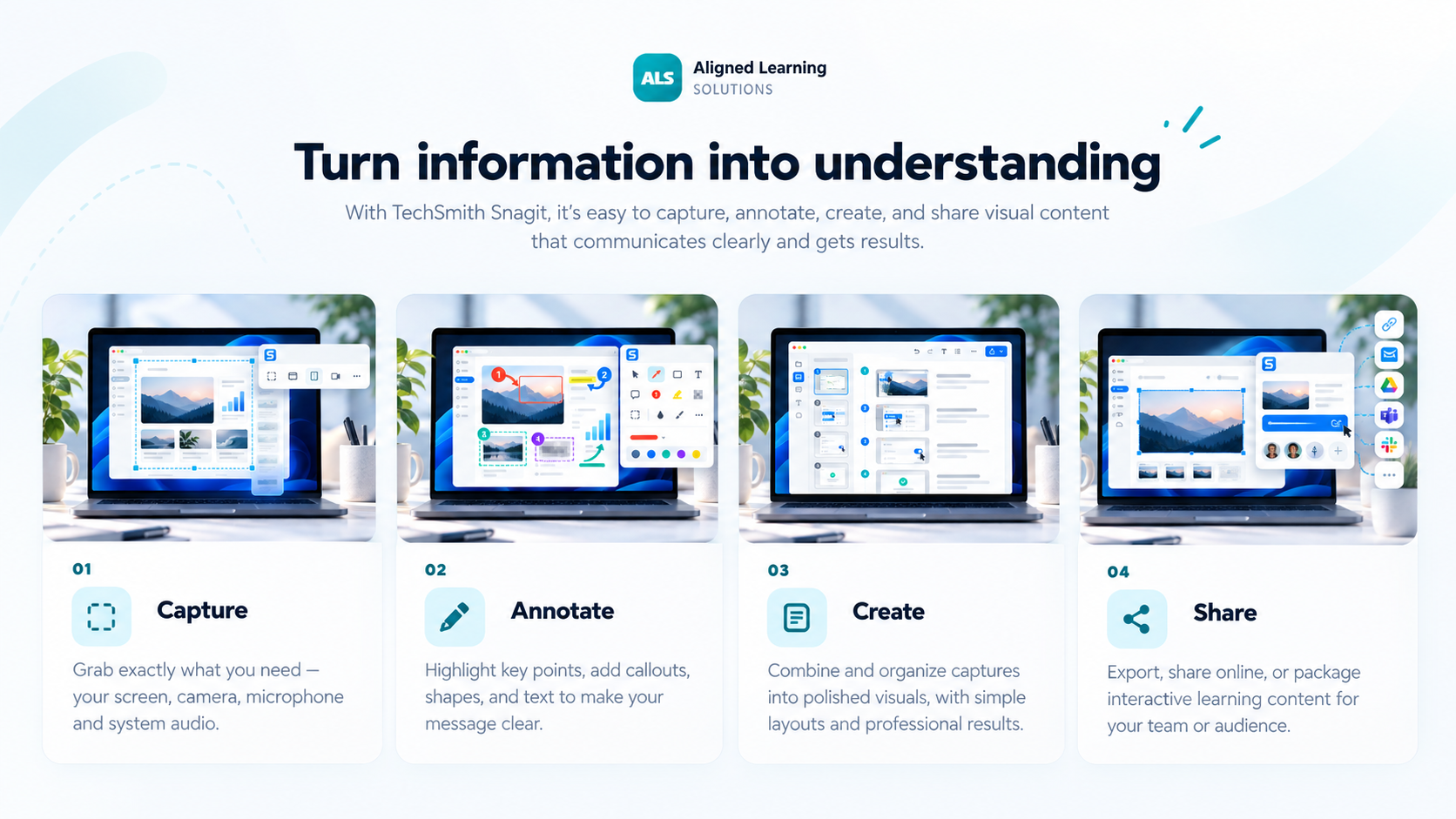
Snagit brings the whole visual-communication workflow into one place: capture what is on screen, add context, build a guide and share the result.
Grab a screen, window, region, full webpage or scrolling content without stitching screenshots together.
Add arrows, callouts, highlights, steps and text so the important part is immediately clear.
Turn a process into a reusable step-by-step guide for training, SOPs and support.
Send visuals into everyday apps, save them to your library or share with a link.
The tutorial is useful for seeing the mechanics, while the showcase above explains the broader Snagit workflow.
Snagit is most valuable when visual communication can remove ambiguity, reduce back-and-forth and make a process easier to repeat.
Snagit combines traditional screen capture with smarter tools for creating documentation, cleaning up visuals and protecting sensitive information.
Record each click in a process and automatically build the screenshots into a structured guide.
Help hide sensitive information before a screenshot is shared outside the team.
Capture content beyond the visible screen, including long webpages and tables.
Record screen, webcam, microphone and system audio when a short walkthrough is faster than writing.
Snagit is ideal for screenshots, guides and short walkthroughs. Camtasia Editor adds multitrack editing, deeper visual effects, structured video production and learning-ready output.
Explore CamtasiaThat gives teams a simple path from quick documentation to a more polished training video when the content needs to go further.